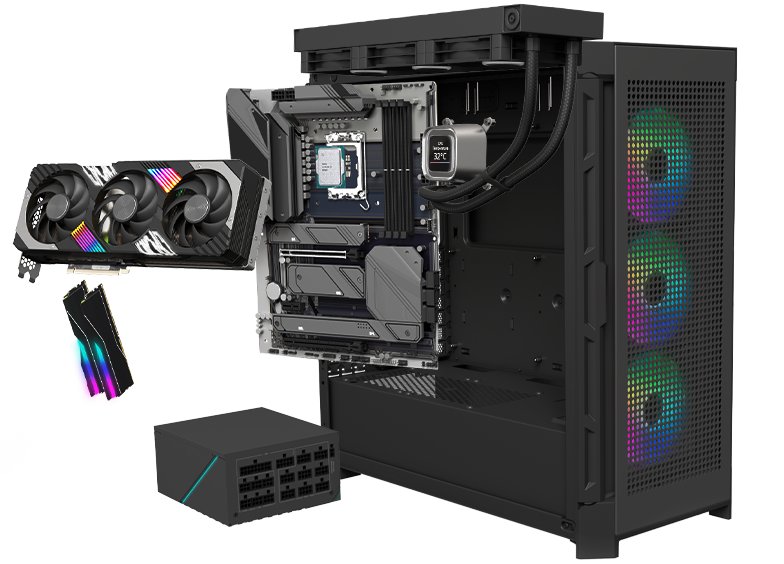











The most important components of a gaming PC are the processor and the graphics card. To build a solid entry-level gaming PC, you’ll need at least an Intel Core i5 or AMD Ryzen 5 combined with an NVIDIA GeForce RTX or AMD Radeon RX graphics card. Also choose a good CPU cooler and a slightly larger case if you plan to play the latest games, as proper cooling is essential. Keep in mind that building a good gaming PC yourself typically costs between €1,400 and €1,600. In return, you’ll enjoy smooth gameplay and great performance in modern titles.
Temporarily, there are no assembly fees (worth €149) when building your PC.
Build your own desktop!
Looking for a new computer, but can't find exactly what you're looking for? The solution: put together your own PC at Paradigit. By putting together your own computer, you are free to choose the components that are important to you, such as a powerful video card or processor. This gives you a PC that meets all your needs! Start building your ideal PC right away with our configurator.
- Choose from the best components
- Standard warranty of 3 years!
- Plug-and-play ready on delivery
- Built for you with the utmost dedication
- Over 30 years of experience
We ship your desktop within 5 working days.


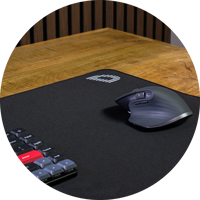
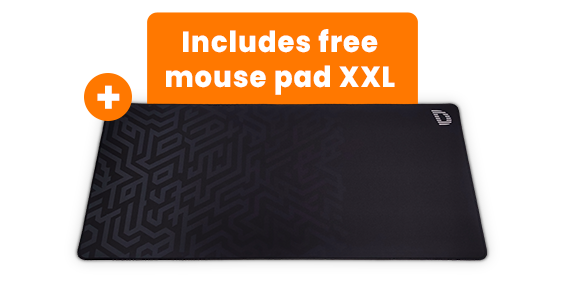
Free
XXL mousepad
+


This product has one or more options you can customize with. Make your choice before going to the shopping cart.
Assembly
Assembly service (with free XXL mouse pad 90x40cm)
Our experts build and test your PC. Shipped within 5 working days.
Our experts build and test your PC. Shipped within 5 working days.
149.-
Delivered as individual components
You choose to assemble your PC and install all the components yourself.
You choose to assemble your PC and install all the components yourself.
0.-
Service
Free extended warranty from 2 to 3 years!
Component defective? Our experts will fix it! Only applicable with the assembly service.
Component defective? Our experts will fix it! Only applicable with the assembly service.
0.-
Norton 360 Deluxe for Gamers
1 year Free Norton 360 Deluxe for Gamers worth €94.99
1 year Free Norton 360 Deluxe for Gamers worth €94.99
0.-
Personal comment
Here you can provide a short comment or special instructions for the assembly of your PC.

Selected configuration of Build your own PC
- Assembly service (with free XXL mouse pad 90x40cm)
- 149.-
Total
149.-
121.14 excl. VAT
121.14 excl. VAT
0 review(s)
No reviews have been placed yet. Be the first to review this product. Click here to write a review.
Paradigit has measures for review verification. More information
Tips for building your PC
The perfect computer is different for everyone. Enthusiastic gamers look for a PC with the latest graphics card, while home users or office workers are more likely to choose a system with plenty of memory and storage. We’re happy to help you choose the best performance for your needs.
What should I consider when building a gaming PC?
How do I build a PC suitable for photo and video editing?
With an Intel Core i5 or AMD Ryzen 5 processor, your PC will be powerful enough for photo and video editing. A dedicated graphics card is also highly recommended if you work with 3D design or other demanding graphical tasks. When choosing a graphics card, make sure your power supply can handle it, as more powerful GPUs consume more energy. Ample RAM and storage are also essential for editing systems. More storage lets you save more files, while more memory ensures faster and smoother editing performance.
How do I build a good budget PC?
Building an affordable PC that meets all your requirements can be challenging. Gaming at high settings or editing photos and videos requires significant performance, which is difficult to achieve on a tight budget. Each use case requires different components. A smart way to build a budget PC is by choosing slightly older components. When newer versions are released, previous models often drop in price while still offering solid performance. In most cases, these parts are still perfectly suitable for building a capable system. From around €600, you can build a complete PC for everyday basic use, depending on your specific needs.
How do you build your own PC?
Building your own PC is easy when you know which components are important for your needs. Use our step-by-step guide to quickly order the best computer for your situation.
Select components and performance
A PC consists of many components. The importance of each part depends on how you plan to use your system. Every component comes with different options to choose from. To help you make the right decision, we explain each part below.
Which case do I need for my PC?
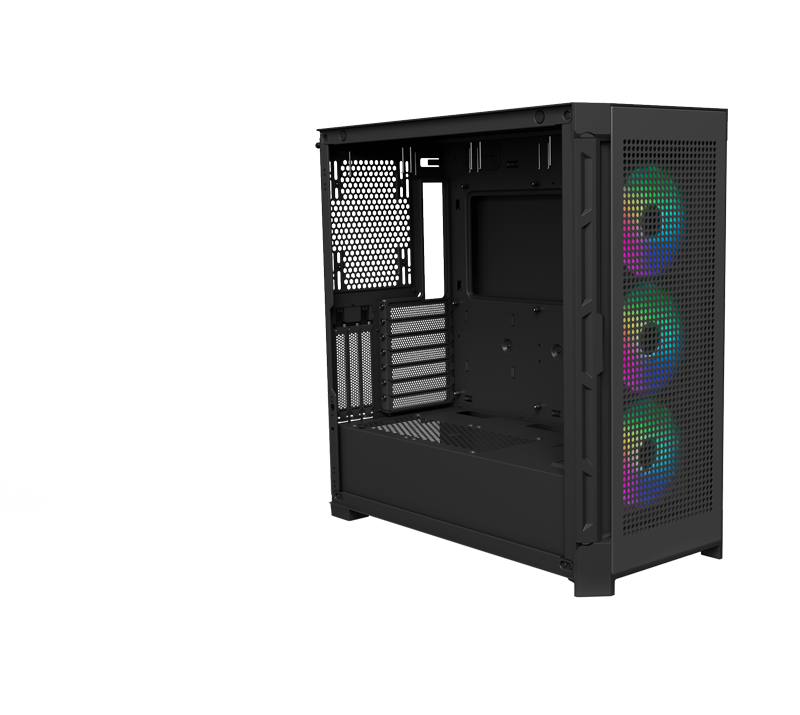
All PC components are installed inside the case. The case also determines the look of your system. The larger the case, the more room there is for powerful components. You can choose a case with a bold design or one that supports water cooling for optimal gaming performance.
Which processor should I choose?
The speed of your PC depends on the processor. Without a good CPU, the rest of the system won’t perform properly. The faster the processor, the more tasks you can run simultaneously. Choose an entry-level model (i3 or Ryzen 3) for basic tasks, or go for a powerful processor (i7 or Ryzen 7) for demanding performance.
Which CPU cooler do I need?
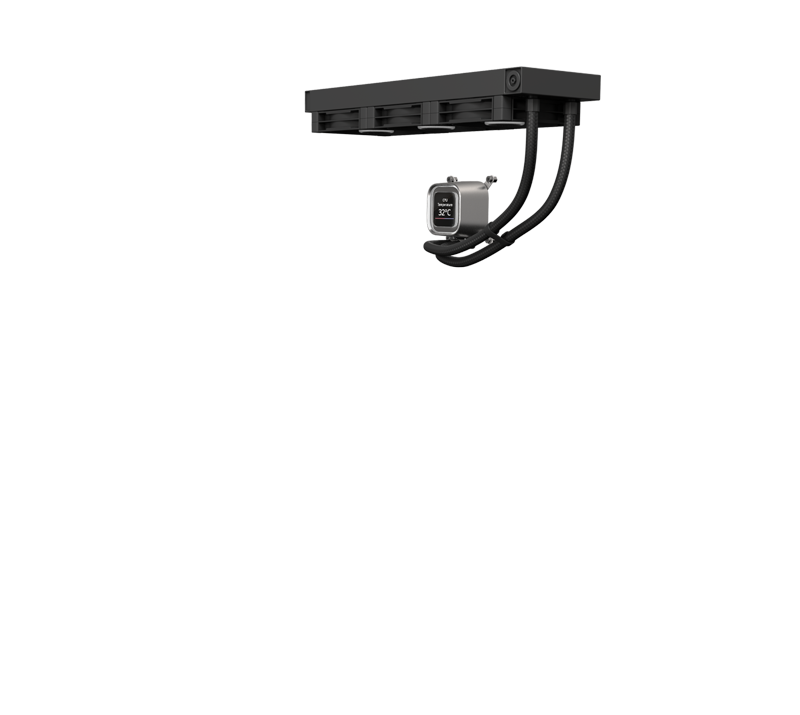
A CPU cooler removes the heat generated by your PC. It controls the temperature of the system. A better cooler delivers improved cooling performance, which benefits both lifespan and noise levels.
Which motherboard should I buy?
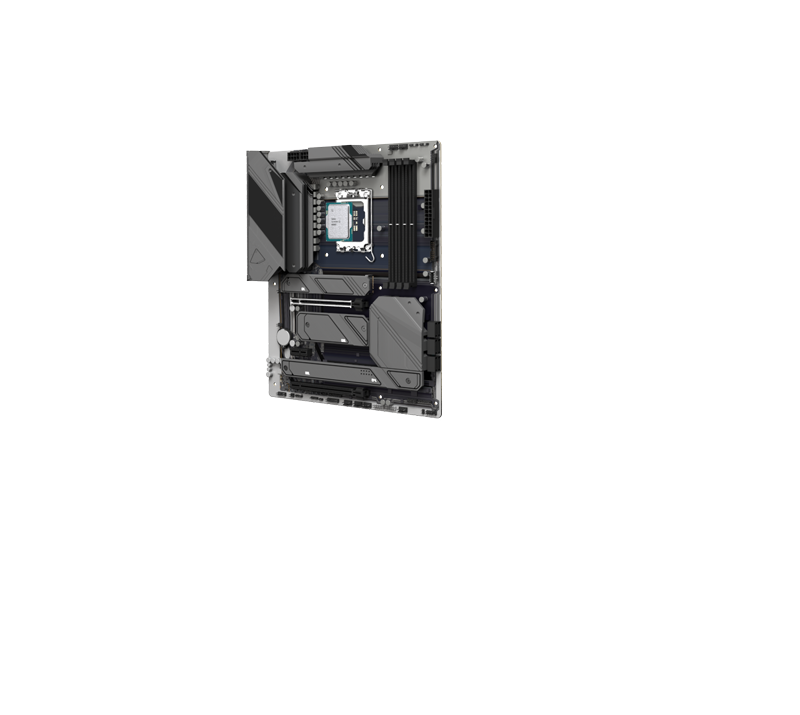
The motherboard allows all components to communicate, from the power supply to M.2 SSDs and from the graphics card to hard drives. High-end motherboards offer additional features, such as support for multiple M.2 SSDs and extra connectivity options.
Choosing the right memory
Memory, also known as RAM, is temporary storage for active programs. The more RAM you have, the more applications you can run at the same time. Basic tasks require less memory, but for gaming or photo editing, higher capacity is recommended.
Choosing primary storage
An SSD is the main storage where your files are saved. SSDs are faster, lighter, quieter, and more energy-efficient than traditional hard drives because they have no moving parts. If possible, choose an NVMe SSD for even faster performance.
Choosing secondary storage
Secondary storage is used for long-term or permanent data. You can expand your storage with an SSD or HDD. Choose an SSD if you prefer faster and more compact storage.
What is a good graphics card?
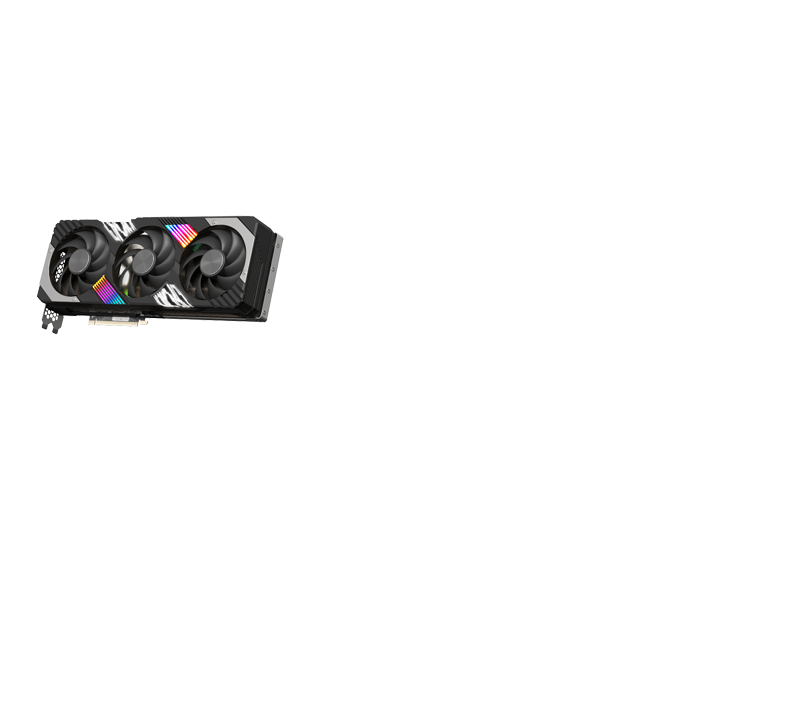
A graphics card improves your PC’s visual performance. For standard tasks, an integrated GPU is sufficient. For gaming or high-quality video editing, a dedicated graphics card such as an NVIDIA RTX or AMD Radeon RX is essential, offering superior 3D performance.